Bring headless Amplitude where you work
Bring user and product context to where you already work to build better products.

When we first launched Amplitude MCP in December last year, the bet was simple: Amplitude should meet teams in the tools they already live in. That means giving you the ability to connect to Claude, ChatGPT, Codex, and Cursor and simply ask about your users in plain language. You can get all of your user behavior questions answered without opening an Amplitude dashboard.
That bet was right. So we decided to commit even harder.
Since launch, we made the existing Amplitude MCP server cheaper to load and more accurate to use. We also opened other doors: a developer CLI for people who work in the terminal, and service accounts for programmatic access.
Fewer, more capable tools
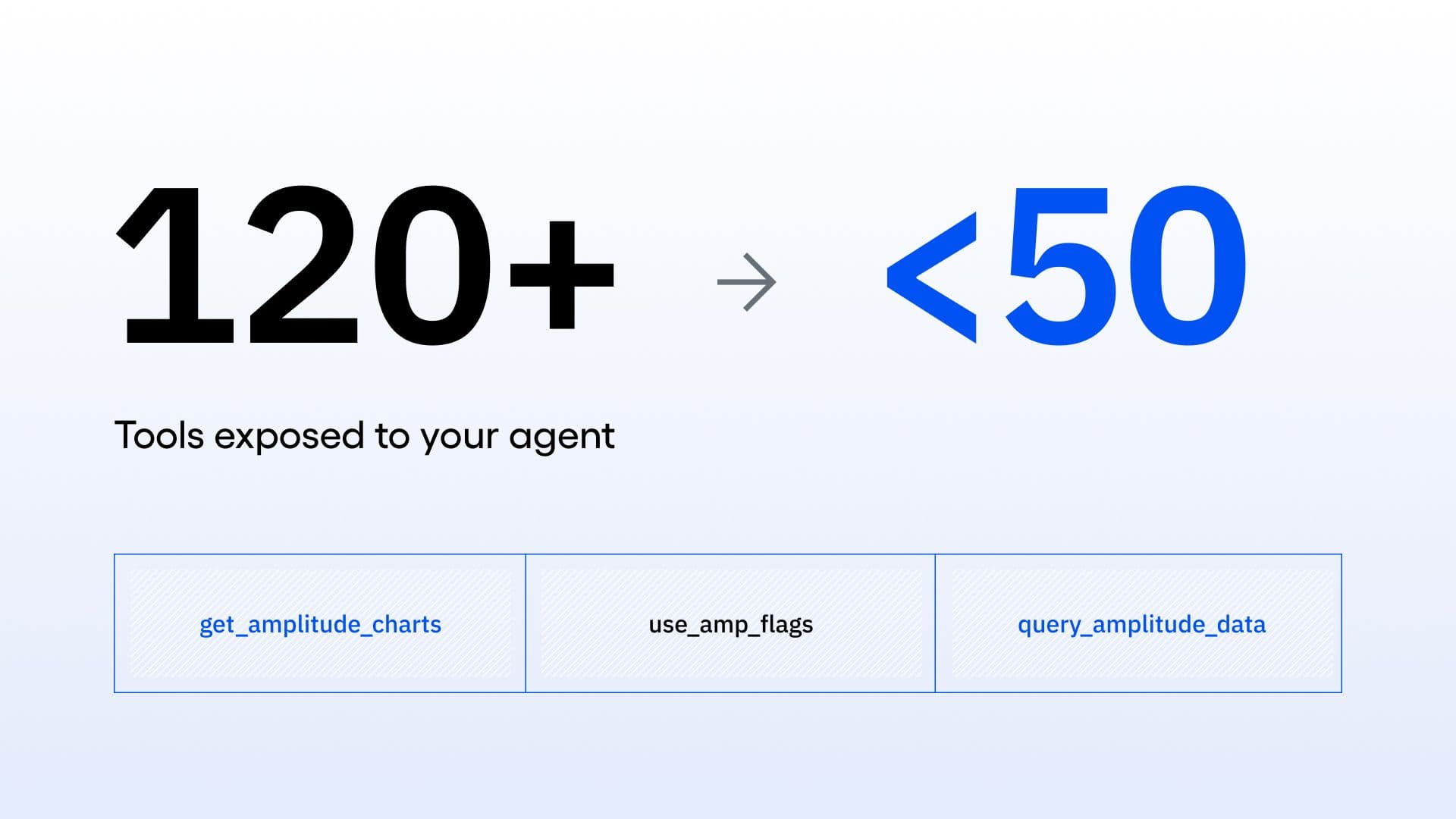
As more people connected through the MCP server, they wanted more. So we happily added more tools. Then more tools. But this quickly got out of hand. At one point, we had over 100 tools being loaded into clients, which meant slower, pricier, and less accurate answers
So we did a major tool consolidation. Instead of exposing separate tools for every possible operation, the new MCP server groups related work into a smaller sets of tools designed around meaningful jobs, such as investigating behavior or working with an Amplitude artifact.
The impact was immediate. A typical Amplitude MCP connection now loads about 40 tools instead of over 100, cutting the catalog roughly in half before a question is even asked. Fewer tools means less context overhead and better tool selection, so your agents can quickly pick the right one and leave more of your context window for actual work.
But fewer tools only matter if the answers hold up. We tested the new surface against the legacy tools across more than 80 scenarios, and task completion matched or improved in every paired suite. The MCP catalog is now cheaper to load, easier for agents to choose from, and still able to accurately finish the job.
amp CLI, for the terminal
MCP is one way in. The terminal is another. amp CLI is for builders who already live in the shell: check what’s tracked, define new events for a change, and create a flag to measure impact, all without leaving your terminal.
The MCP server can also call amp directly. When we add a surface to the CLI, both CLI users and MCP users benefit from the expanded capabilities. Dedicated MCP tools stay reserved for multi-step, cross-surface workflows. Everything else goes through amp.
Headless Amplitude is available now
The improvements to the MCP server, the developer CLI, and service accounts are all live. Together, they are part of headless Amplitude, enabling you to bring product context into the AI tools and agents where your team already works.
Headless Amplitude is available to every Amplitude customer on every plan. Use our MCP setup documentation to add the MCP server to your AI client in about two minutes and get started.

Eric Kim
Head of Engineering, Agents, Amplitude
Eric Kim is Head of Engineering, Agents at Amplitude. Previously, he was Co-Founder and CTO at Inari, which was acquired by Amplitude in 2025.
More from EricRecommended Reading

Find Your Holiday Checkout Friction Before Peak Traffic Does
Oct 26, 2026
8 min read

Amplitude + GitHub Agents: Closing the Product Learning Loop
Oct 19, 2026
4 min read

Lessons from consolidating our MCP server
Oct 6, 2026
10 min read

What AI engineers do in the age of agentic code
Oct 1, 2026
14 min read