AnalyticsApr 24, 2024
[All updates]Chart Cleanup Page

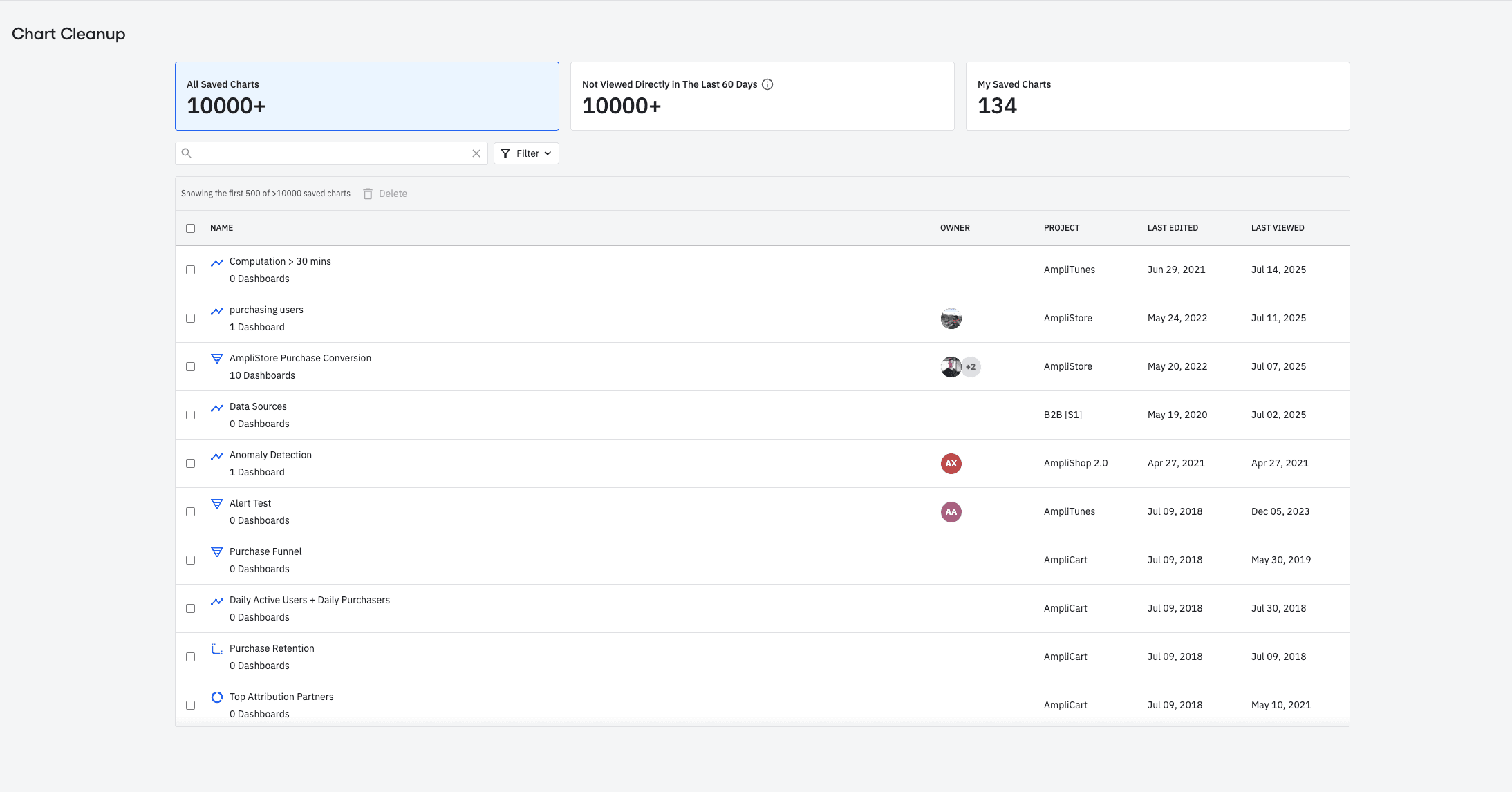
Description: This page allows org Admins to view charts across all projects and spaces, and delete them in bulk. This page also offers a variety of filters like chart name, owners, space, projects and last viewed date to help users find charts that they want to delete.
Why: This feature allows customers who are exceeding their current saved chart limit to delete charts easier, faster and in bulk. Additionally, this feature also allows all other customers who've accumulate a high number of charts to audit and tidy up their resources.
Where: This new page can be found under settings pages called "Chart Cleanup"
Available in EUDC: Yes
When: This feature is available starting today.
Customers Impacted: This feature is available to all plans