Chart Cleanup Page
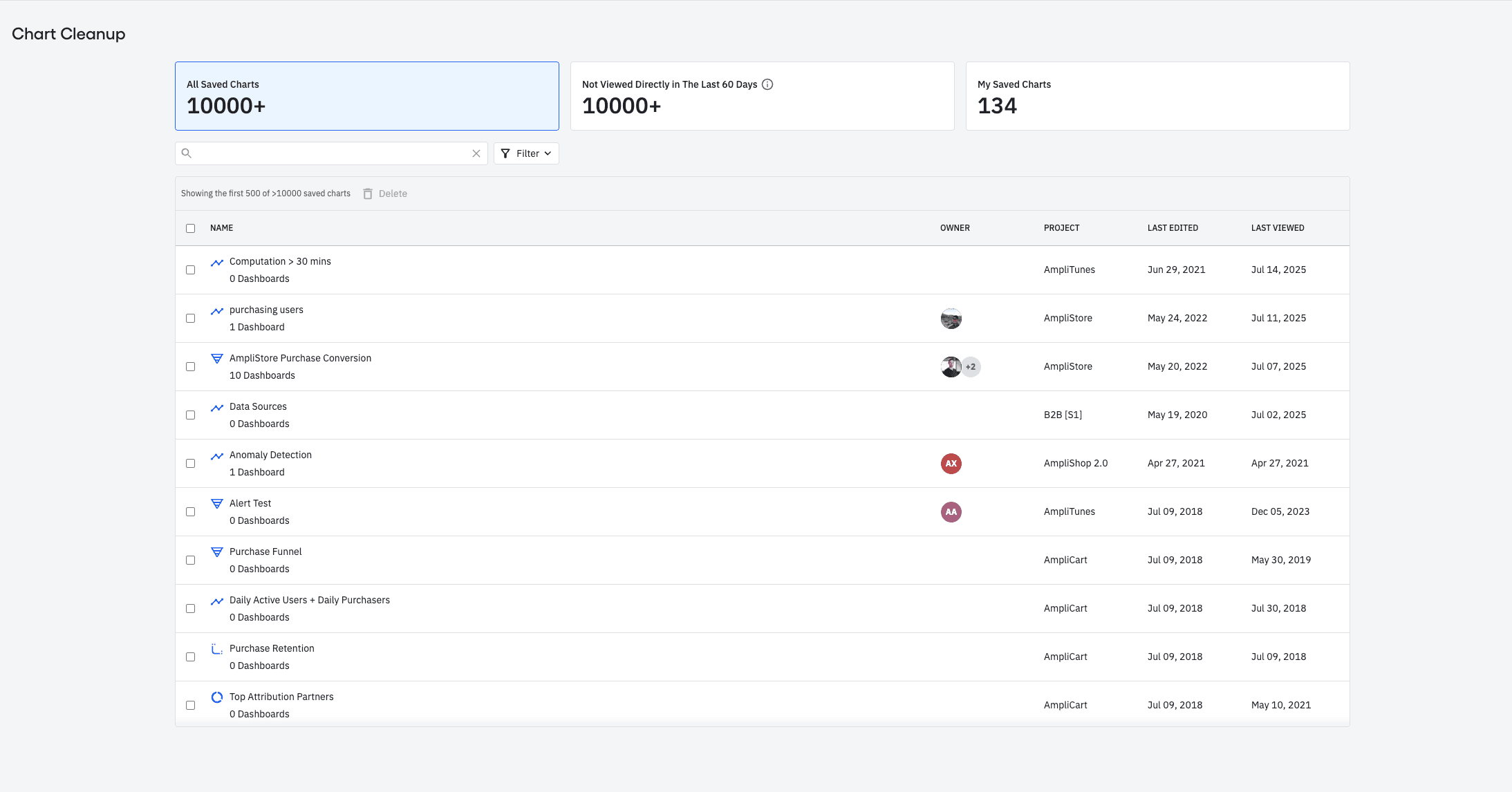
This page allows org Admins to view charts across all projects and spaces, and delete them in bulk. It offers filters like chart name, owners, space, projects, and last viewed date to help users find charts to delete.
What it is
Description: This page allows org Admins to view charts across all projects and spaces, and delete them in bulk. This page also offers a variety of filters like chart name, owners, space, projects and last viewed date to help users find charts that they want to delete.
Why: This feature allows customers who are exceeding their current saved chart limit to delete charts easier, faster and in bulk. Additionally, this feature also allows all other customers who've accumulate a high number of charts to audit and tidy up their resources.
Where: This new page can be found under settings pages called "Chart Cleanup"
Available in EUDC: Yes
When: This feature is available starting today.
Customers Impacted: This feature is available to all plans