
See what you could learn in Amplitude.
Amplitude's event taxonomy generator scans your website, designs a clean event taxonomy, and hands you a mini analytics workspace to explore. No code, sign-up, or sales call required.
What should I expect?
Just paste your website and wait 2 minutes. You'll get a live workspace with sample data flowing, so you can try out Amplitude with your new tracking plan. We'll generate that taxonomy specifically for your website, so you can then download and use it anywhere.
Here are some things you can look forward to doing:
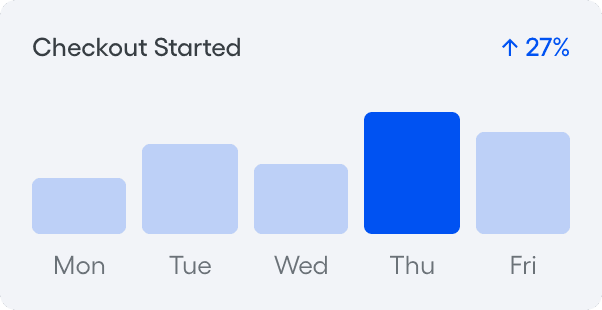
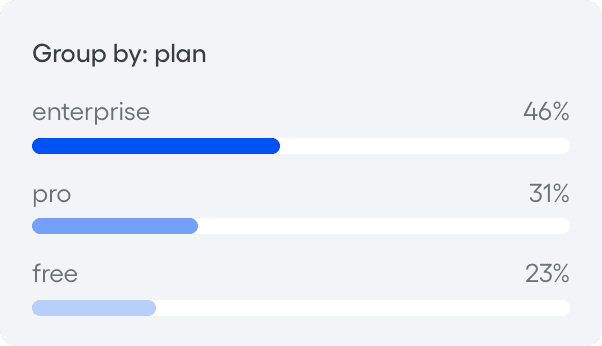
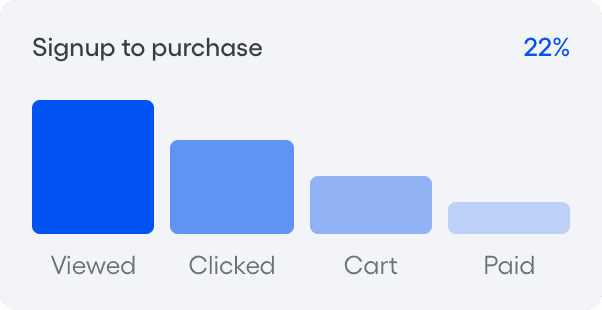
Trend your top events over time.
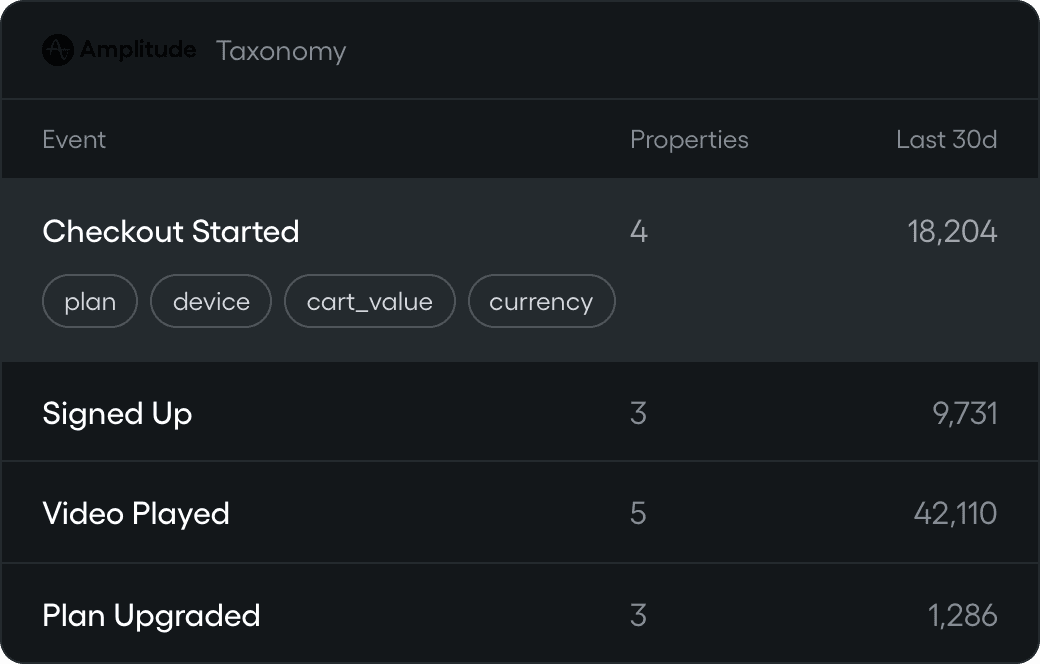
What is an event taxonomy?
Think of it as the naming system behind your analytics: the events you track, the properties on them, and the rules that keep both consistent.
Naming events consistently avoids duplicates, cryptic labels, and reports nobody trusts. It's the difference between analytics you act on and analytics you argue about.
What's a property?
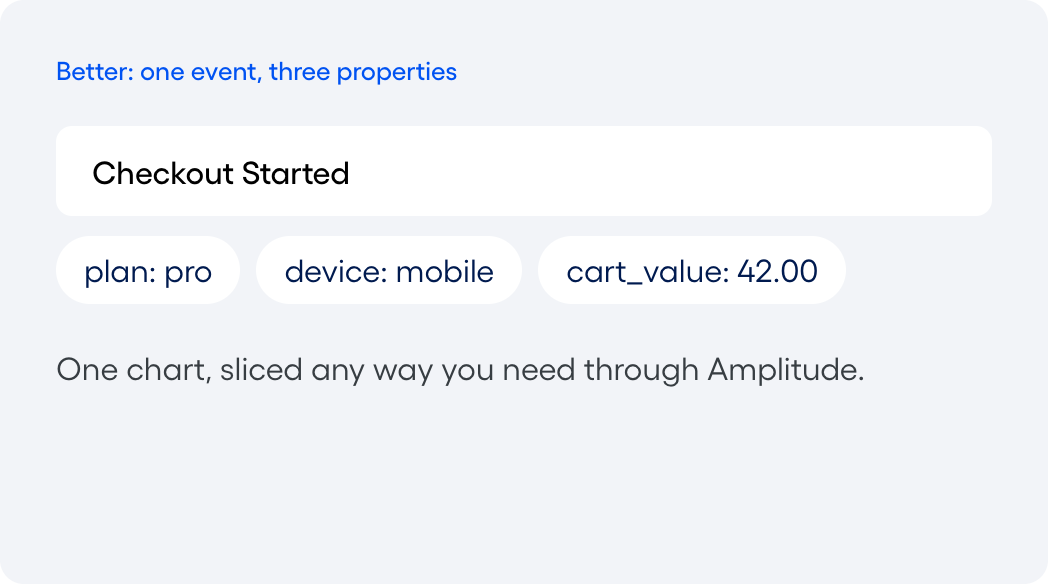
You'll see both events and properties in the taxonomy we make for you. A property holds the granular details behind each event (think where a user is from and what plan or device they're on).
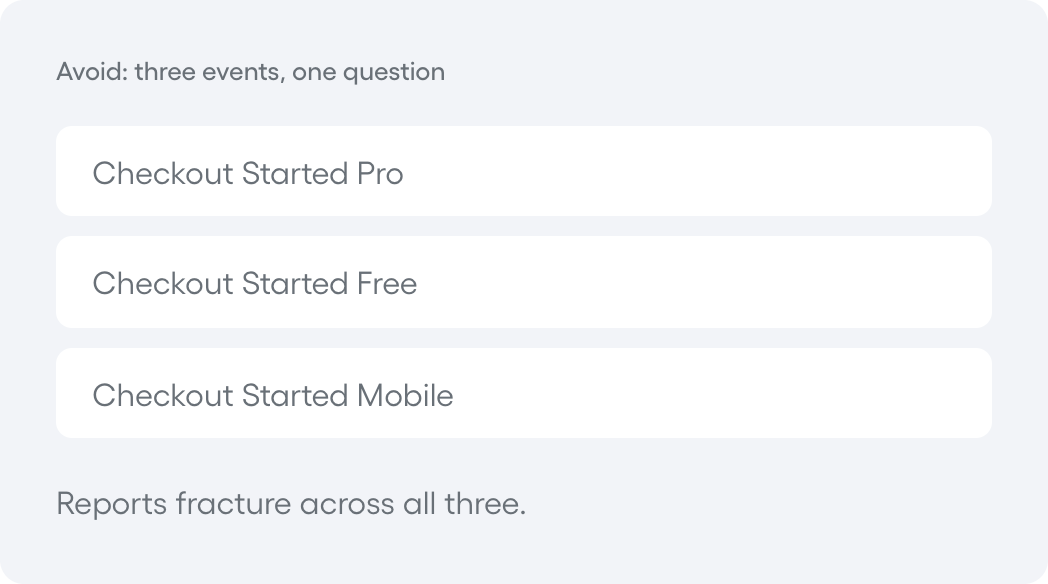
The moment you catch yourself making Checkout Started Pro and Checkout Started Free, stop. That difference is a property.
How can you build a good taxonomy?
Good taxonomies are essential for clean, easily accessible data. You don't want to debate which event to choose between "Button Pressed," "Button_Pressed," and "Button Pressed (1)" every time.
Build a good taxonomy by deciding what to track, naming it in one predictable style, and write the rules down so the list stays clean as it grows.
Ten to twenty core actions beat a hundred clicks nobody reads.
Taxonomy or tracking plan?
These two are different! The taxonomy is how you name things. The tracking plan is what you name. We'll give you both; you can start off with this taxonomy generator so you don't have to work from a blank slate.
Event taxonomy
How you name things
The rules: structure, casing, tense, and where detail belongs. It keeps every new event consistent with the ones already there.
Tracking plan
What you name
The list of every event to capture, when it fires, and the properties it carries. A spec your team builds against.
FAQ
Yes. The event taxonomy generator is free; you can scan your site, see the taxonomy it builds, and explore a live workspace at no cost. Amplitude's Free plan also includes up to 2 million events per month when you’re ready to start tracking your product for real.
No code required. You paste your website URL, and Amplitude scans your site and builds an event taxonomy automatically. You can explore the whole thing in a live workspace before any engineering work starts. When you are ready to send real data, that is when your team adds the tracking code.
The workspace shows a preview built from your site's structure, using sample data so you can see what tracking in Amplitude looks like. It shows you the taxonomy and the kind of reports you would get, not live numbers from your product. To see real data, you connect Amplitude and start tracking.
Yes! The generated taxonomy is a starting point, not a locked setup. You can and should rename events, add or remove them, and adjust properties to match the more minute things you want to measure in your product. The goal is to save you from the blank page by giving you a taxonomy to start with, so you refine a solid draft instead of building from scratch.
Start small. Most teams begin with 10 to 20 core events that map to the actions that matter most: sign up, key feature use, and conversion. You can always add more as questions come up. A focused taxonomy is far easier to keep clean than an exhaustive one you cannot maintain.
Create an event taxonomy before you start tracking in earnest, ideally when you set up analytics or launch a new product. Doing it early prevents the messy, inconsistent data that is painful to fix later. If your tracking has already sprawled, a taxonomy is also the first step to getting it back under control.