
Blog
Featured post
Company
Bring headless Amplitude where you work
Bring user and product context to where you already work to build better products.

Sep 16, 2026
3 min read
Latest posts
View allInsights
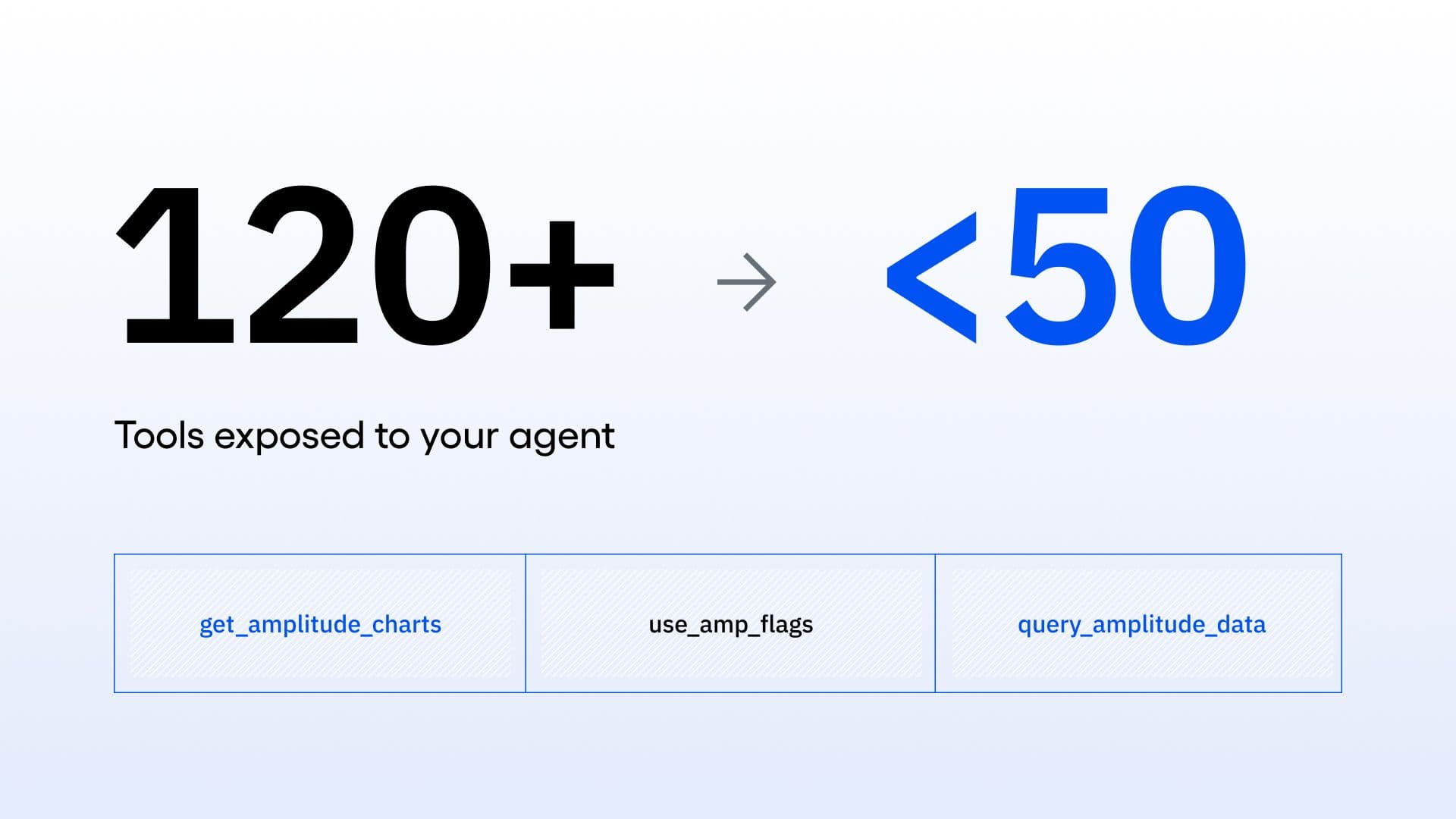
Lessons from consolidating our MCP server
Oct 6, 2026
10 min read
Insights
What AI engineers do in the age of agentic code
Oct 1, 2026
14 min read
Insights
An analysis of Jev: Faster and cheaper, but watch the accuracy
Sep 28, 2026
13 min read
Product
Your agent isn’t broken. It’s guessing.
Sep 23, 2026
6 min read
Insights
View all
Read
Insights
Lessons from consolidating our MCP server
Oct 6, 2026
10 min read

Read
Insights
What AI engineers do in the age of agentic code
Oct 1, 2026
14 min read

Read
Insights
An analysis of Jev: Faster and cheaper, but watch the accuracy
Sep 28, 2026
13 min read

Read
Insights
Should I install the Amplitude SDK?
Sep 15, 2026
4 min read
Product
View all
Read
Product
Your agent isn’t broken. It’s guessing.
Sep 23, 2026
6 min read

Read
Product
How to Secure AI Agent Traces Without Losing the Signal
Aug 28, 2026
7 min read

Read
Product
Connecting agent performance to product outcomes
Aug 20, 2026
10 min read

Read
Product
Your AI chat box isn't a strategy. Where you put it is.
Aug 18, 2026
11 min read
Company
View all
Read
Company
Bring headless Amplitude where you work
Sep 16, 2026
3 min read

Read
Company
Building got faster. Knowing what worked didn’t.
Aug 13, 2026
6 min read

Read
Company
How We Redesigned Amplitude Docs for Agents and Made Everyone an Author
Jun 2, 2026
13 min read

Read
Company
How We Built a Design Agent at Amplitude with Claude Managed Agents and Cloudflare
May 19, 2026
11 min read
Customers
View all
Read
Customers
Amplitude climbs to #3 in G2 Digital Analytics Momentum
Sep 15, 2026
10 min read

Read
Customers
The hidden cost of a bad AI answer
Aug 19, 2026
6 min read

Read
Customers
How HYBRD turned agent evals into a retention signal
Jul 28, 2026
5 min read

Read
Customers
How NS prevented €1.8M in revenue loss through experimentation
Jul 20, 2026
7 min read